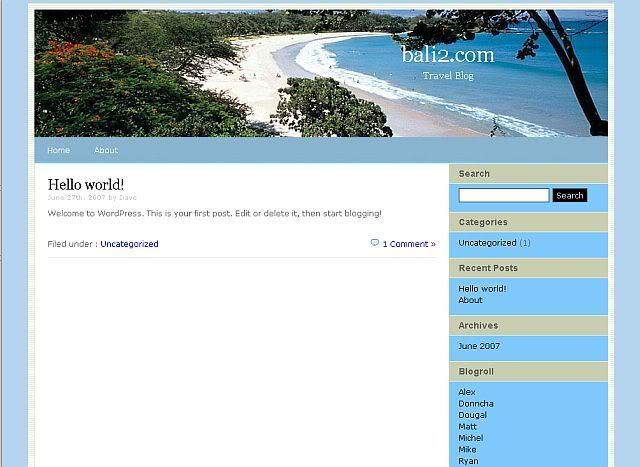
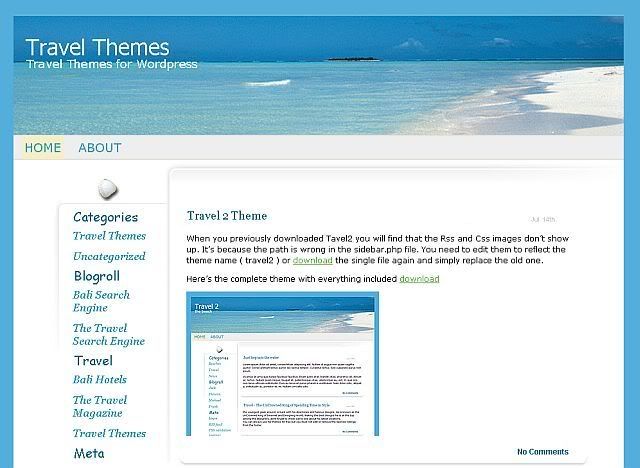
Free Wordpress Sports Theme
Download Link
Demo Link
This work is licenced under a Creative Commons Licence.
——– How to make a post appear at the top of the main page, in the featured section ———
1. Create a post you want to appear at the top of the main section.
2. Put the post inside the category “featured” (You’ll need to create this category when you’re using it for the first time.
3. Once you create a new post, you’ll either need to delete the post that was in the featured category prior to the new post as it won’t appear in the featured section or the main section. Only one post, the latest post is shown in the featured category and posts from the featured category are not shown in the main, latest post section.
——– How to make a category appear on the 1st sidebar ———
1. Go to wp-admin/categories.php and create a new category
2. Go back to the main page on wp-admin/categories.php and then roll over the category link you’ve just created. It should display the category ID in the URL, EG wp-admin/categories.php?action=edit&cat_ID=10 - the category ID here is 10.
3. Go to the Design tab and then click Theme Editor. Select sidebar from the template files.
4. On the second line, you should see “<?php $display_categories = array(8,10); $i = 1; foreach ($display_categories as $category) { ?>”
5. array(8,10); - this is where you list the categories you would like to be shown. You can show as many as you like, just simply add the category ID’s of the categories you wish to be shown on the sidebar with a comma after each number EG. 1,2,3,4.
6. To add images to the categories, create a png image with the same name as the category and place it into the images/featured directory in the theme directory.