- Impact
- 22
Here is a little tutorial made by me!
This tutorial is simple. It's very effective when you want a very nice pic effect.
First off,
I'm using this picture of Jessica Alba
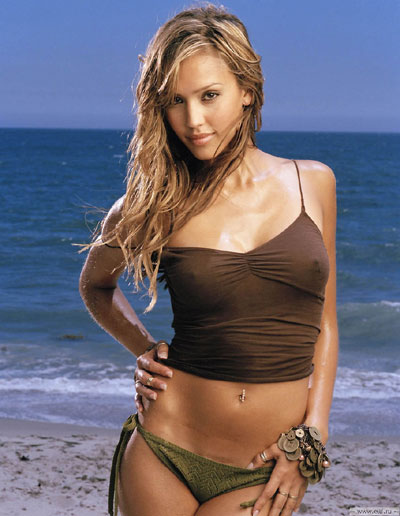
Now to add this effect do the following
Filter>Gaussian Blur then set the Radius to 3.0
It should look like this now:

Now go to Edit>Fade Gaussian Blur set the opacity to 100 and set the mode to Overlay and it should look like this:

This tutorial is simple. It's very effective when you want a very nice pic effect.
First off,
I'm using this picture of Jessica Alba
Now to add this effect do the following
Filter>Gaussian Blur then set the Radius to 3.0
It should look like this now:
Now go to Edit>Fade Gaussian Blur set the opacity to 100 and set the mode to Overlay and it should look like this: